

01The verdict
8.0 / 10 · Best for everyday private chat
The default messenger we’d keep on free
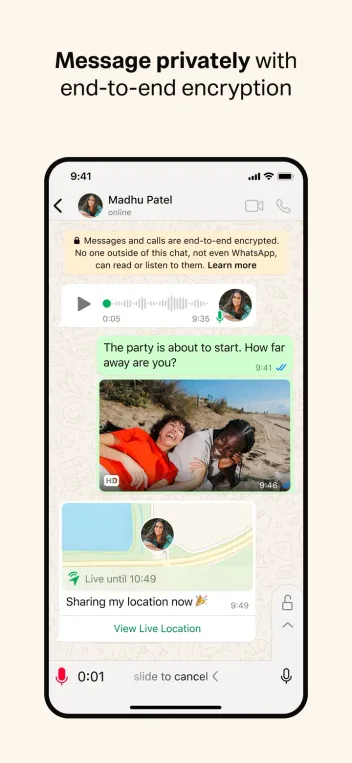
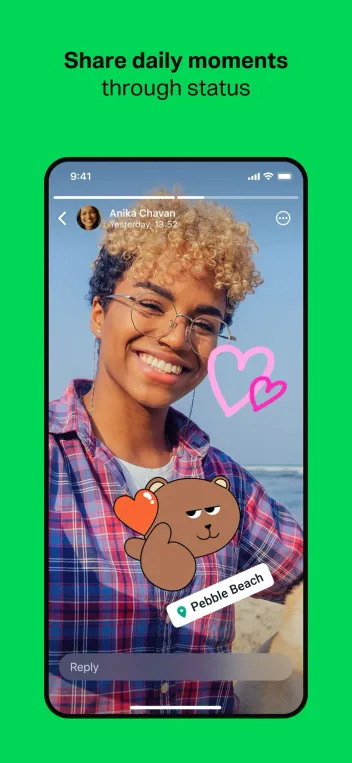
WhatsApp is the messaging app we’d hand to family and friends who already have a phone number. Personal chats and calls use end-to-end encryption by default. Voice notes, Status and group calls cover most daily needs without a fee.
The catch sits above the ciphertext. WhatsApp is owned by Meta, and account metadata still flows in ways that matter to privacy-conscious users. Channels add public-style broadcasts inside the same app. Core messaging stays free; WhatsApp Plus at $2.99 a month only dresses up themes and pins. We’d stay on free.
02Screenshots
From the App Store
A look inside the app
03Design & everyday use
Design & everyday use · 8.0
Simple chat list that stays out of the way
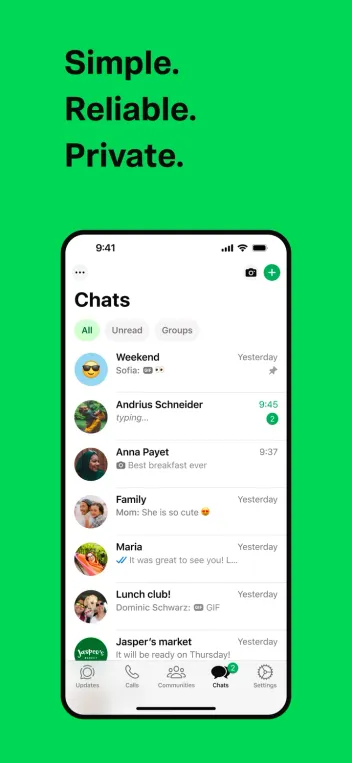
Chats, Updates and Calls are the main tabs. The chat list is fast to scan. Message bubbles, reply threads and media galleries are familiar if you have used any modern messenger.
Customization on free is limited. Plus adds themes, app icons, premium stickers and more pinned chats. None of that changes how a family group works. We care more about delivery ticks, mute controls and disappearing messages than about icon packs.
04Messaging & calls
Messaging & calls · 9.0
The reason WhatsApp remains the default
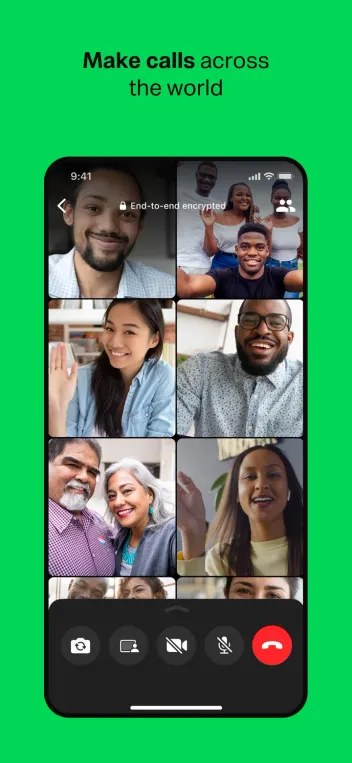
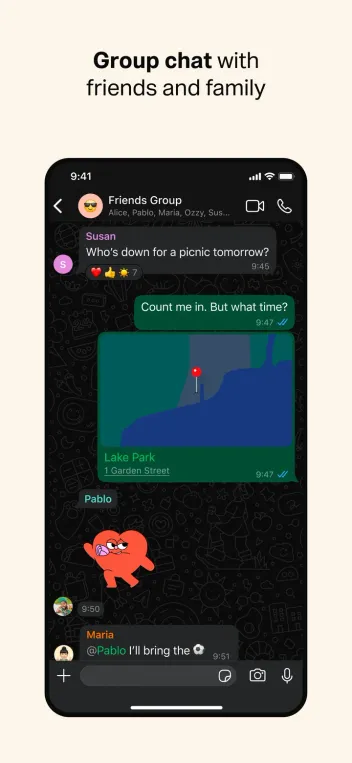
Text, photos, documents, voice messages, voice calls and video calls are reliable across slow networks. Groups support large family and school chats. View Once media and disappearing messages cover lighter privacy needs inside a chat.
Multi-device support lets phone, desktop and web stay linked without scanning a QR code every session once set up. Message reactions, polls and events cover the small coordination jobs that used to spill into email. This is the section that carries the review.
05Channels & communities
Channels & communities · 7.5
Broadcasts and big groups inside the same app
Channels are followable feeds for creators, brands and news. They sit under Updates beside Status. Useful for one-way announcements. Easy to confuse with private chats if you never check where a message came from.
Communities bundle related groups under one roof for schools, clubs and neighborhoods. Admin tools are enough for light organization. They are not a full Slack replacement. We treat Channels as optional discovery, then mute aggressively.
06Cross-platform
Cross-platform · 8.5
Phone first, desktop and web as companions
WhatsApp runs on iPhone, Android, Windows, Mac and the browser. The phone number remains the account key. Desktop apps work well for typing and file drag-and-drop once the device is linked.
iPad support exists with limits compared with the phone app. Backups go to iCloud or Google Drive; turn on end-to-end encrypted backup if you want the backup locked with a password or 64-digit key. Without that toggle, cloud backups are a weaker point than the chats themselves.
07Plans & pricing
Value · 9.0
Free messenger; Plus is optional chrome
US prices as of October 2026. Confirm in-app; availability of Plus can vary by country.
- FreeMessaging, calls, Status, Channels, Communities$0
- WhatsApp PlusThemes, icons, stickers, more pinned chats$2.99/mo
- Meta One CoreIncludes WhatsApp Plus with Instagram and Facebook Plus$7.99/mo
Messaging and calling stay free. WhatsApp Plus at $2.99 buys personalization, not encryption upgrades. Meta One Core at $7.99 bundles WhatsApp Plus with Instagram Plus and Facebook Plus if you already wanted those extras.
Value is high because the product you need does not require a subscription. Skip Plus unless themes and extra pins matter to you. Business accounts and Meta verification products are separate lanes with their own pricing.
08Privacy
Privacy · 6.0
Strong chat encryption, Meta-sized metadata trade-off
Personal chats and calls are end-to-end encrypted by default. WhatsApp and Meta cannot read those message contents in ordinary personal chats. That is the headline privacy strength versus Telegram’s default cloud chats.
Meta still operates the service. Phone number, contacts you upload, approximate connection data and interaction metadata remain part of the system. Channels, some business tools and Meta AI surfaces can follow different rules than a private chat. Turn on encrypted backups, limit who can add you to groups, and review Advanced Chat Privacy if you want tighter defaults.
09Alternatives
Worth a look
When another messenger fits better

Telegram
Wins for huge groups, channels, bots and multi-gig file sends. Default chats are not end-to-end encrypted.

Discord
Better for servers, roles and community voice. Heavier than a simple family chat thread.

Slack
The work hub when channels, threads and admin controls matter more than phone-number contacts.
10Bottom line
Free yes, Plus optional
Install free, skip Plus, lock down backups
Use WhatsApp as your everyday encrypted messenger if your contacts are already there. Stay on the free plan. Enable end-to-end encrypted backups on day one. Treat Channels as optional follows, not as private threads. Choose Telegram when you need huge groups and cloud file storage more than default end-to-end encryption. Choose Discord or Slack when the job is a community or a workplace, not a phone-number chat list.