

01The verdict
8.5 / 10 · Best paid pro camera
The serious iPhone camera, sold as process or subscription
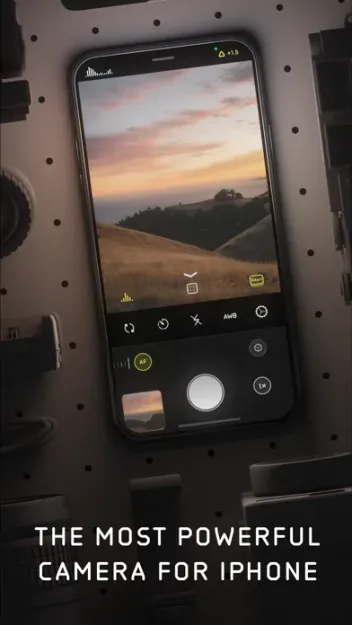
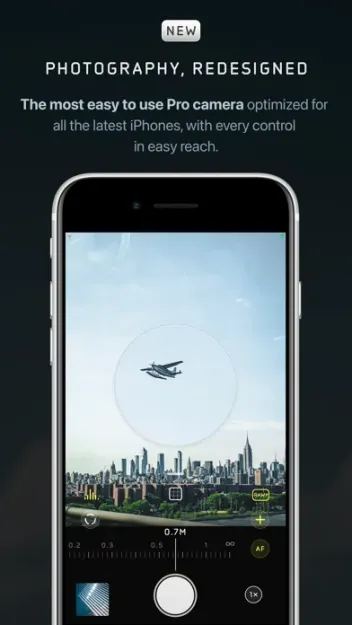
Halide Mark III is the iPhone camera we hand to someone who wants manual control and natural files, not another filter pack. Process Zero turns off Apple’s heavy computational look. Looks bake film-inspired color into capture. Shutter priority, ISO priority, focus peaking and a full readout stay one-handed.
New users pay. The App Store lists $19.99 a year (with a 7-day trial), $9.99 a month, or a $69.99 one-time purchase. Mark II buyers and active subscribers get Mark III free. Adobe’s Project Indigo and the free tier of (Not Boring) Camera undercut that price. We’d still pay Halide when the shot has to be deliberate.
02Screenshots
From the App Store
A look inside the app
03Process & Looks
Process & Looks · 9.0
Natural files, film color at capture
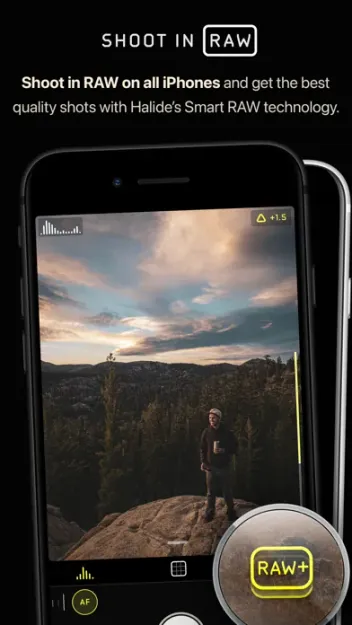
Process Zero is why photographers open Halide instead of stock Camera. It eases Apple’s sharpening, smoothing and multi-frame stack so contrast and texture read more like a small camera. HEIC and RAW workflows both benefit when you want a file that edits cleanly.
Looks are not Instagram filters slapped on after the fact. They change how the photo is processed at capture, with sets tuned for portraits, city scenes and black-and-white, including newer options such as Dawn and QuickSilver. All Looks ship with the purchase; Lux does not meter them out as extra packs.
04Manual control
Manual control · 9.5
Priority modes, peaking and a real meter
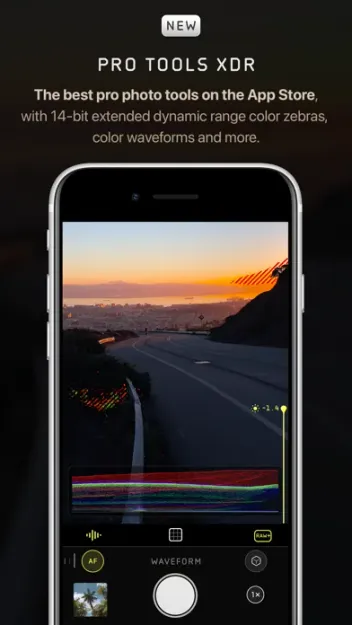
Halide’s manual suite is still the deepest in this class. You get shutter speed, ISO, white balance, exposure bias, focus peaking, a focus loupe, histograms and composition overlays from grids to golden ratio. Mark III adds shutter priority and ISO priority with an analog-style meter.
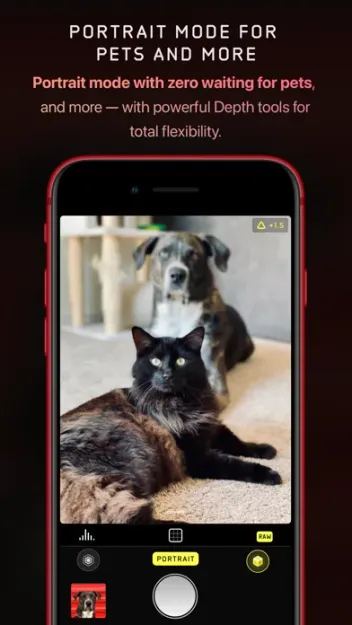
On iPhone 18 Pro, version 3.2 extends control over the variable aperture, including aperture priority. Macro mode and a hardware readout help when you care what the lens and sensor are doing. There is no video workflow here; use stock Camera or another app for clips.
05Photo Lab
Photo Lab · 8.5
Edit RAWs without leaving Halide
Photo Lab is Mark III’s built-in developer. Quick Edit lets you audition Looks, then adjust framing, color, grain and tone. Tone Fusion pulls detail in highlights and shadows in a way that feels closer to darkroom dodging than a flat HDR slider.
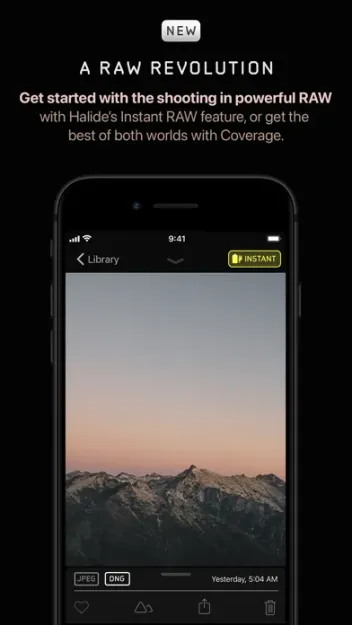
You can open DNG and Apple ProRAW from Halide or from Apple’s Camera. Beta import covers RAW files from Canon, Nikon, Sony, Fujifilm, Leica and Hasselblad. That hybrid workflow is early, and results vary by camera. For iPhone-only shooters, Photo Lab already reduces the need for a second editor on the go.
06Design & everyday use
Design & everyday use · 8.0
One-handed pro chrome
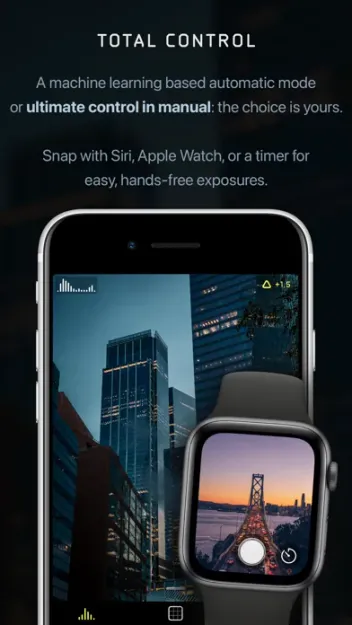
Mark III redesigned the toolbar around composition and exposure while keeping a Mark II layout option for muscle memory. Gestures stay reachable with one hand on a phone. iPad gets a roomier Photo Lab canvas.
The app assumes you know what shutter and ISO mean. Beginners can shoot in auto with a Look applied, but the joy of Halide shows up after a weekend of manual practice. Launch from Lock Screen or Control Center when you want it as the default shooter.
07Plans & pricing
Value · 7.5
$20 a year, or buy it once
US App Store in-app purchases as of October 2026. Lux marketing pages have quoted $59.99 for the one-time purchase; the App Store listing we checked shows $69.99. Pay what the store shows at checkout.
- Annual7-day trial; Pro camera, Photo Lab, Looks and lessons$19.99/yr
- MonthlySame Pro access; costs more than annual within two months$9.99/mo
- One-timeApp Store purchase; keep Mark III without a subscription$69.99
Annual at $19.99 with a 7-day trial is the easy way to evaluate Mark III. Monthly at $9.99 only makes sense for a short test. The $69.99 one-time purchase breaks even against annual after about three and a half years.
Compared with Project Indigo (free) and (Not Boring) Camera (free until RAW), Halide asks for money up front. You are paying for Process Zero discipline, priority modes, Photo Lab and a vendor that ships camera-nerdy updates. If you shoot a few times a year, stay free elsewhere. If iPhone is your main camera, the process option is the one we’d buy.
08Privacy
Privacy · 8.5
Local photos, light account surface
Photos save to your library on device. Lux publishes a privacy policy at lux.camera and positions Halide as a photography tool rather than an ad network. Check the App Store privacy labels for the current data types before you buy.
There is no social feed and no requirement to build a public profile to shoot. That is the right default for a camera. Review mic, camera and Photos permissions on first launch and keep what you need.
09Alternatives
Worth a look
When another camera makes more sense

Project Indigo
Adobe's free experimental camera with multi-frame natural processing and free DNG. Slower and less finished than Halide, strong if you will not pay.

(Not Boring) Camera
The fun daily shooter with SuperRaw and live styles. RAW sits behind Plus; less depth than Halide for deliberate manual work.

Leica LUX
Leica-tuned looks and lens simulations on a premium subscription. Pick it for that rendering, not for Halide-level process control.
10Bottom line
Pay for control
Trial the year, then buy out if you stay
Start the 7-day trial on the annual plan and shoot a week in Process Zero with manual exposure. If the files feel like your camera, keep $19.99 a year or buy the $69.99 process when you are done renting. If free multi-frame natural shots are enough, shoot Project Indigo first and keep Halide for the days you need priority modes and Photo Lab.