01The verdict
7.5 / 10 · Best free computational camera
Free natural photos from Adobe Labs, with prototype edges
Project Indigo is Adobe Labs’ iPhone camera for people who dislike the bright, over-smoothed phone look. It underexposes to protect highlights, stacks many frames for cleaner shadows, and aims for an SLR-like still. Manual controls and DNG export are included at $0, with no Adobe account required to shoot.
It is still a lab app. Capture is slower than Halide or (Not Boring) Camera, the interface nests controls, and everyday modes such as video and portrait are missing. The App Store rating sits soft while Adobe iterates. We’d install Indigo for free natural files and keep Halide for deliberate paid work.
02Screenshots
From the App Store
A look inside the app
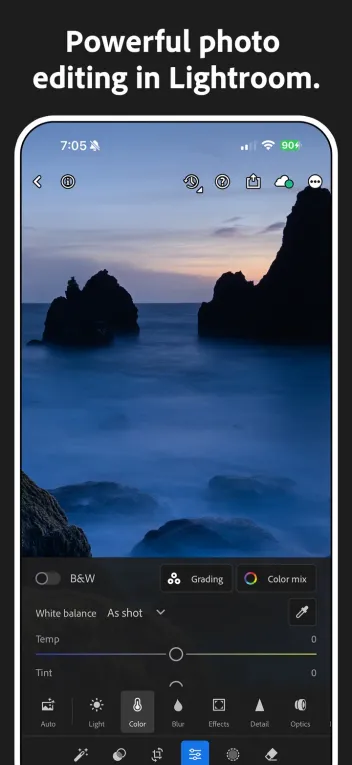
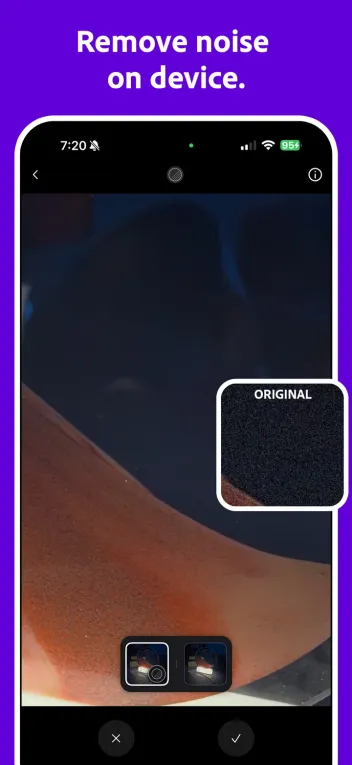
03Image quality
Image quality · 8.5
Multi-frame natural processing that fights phone HDR
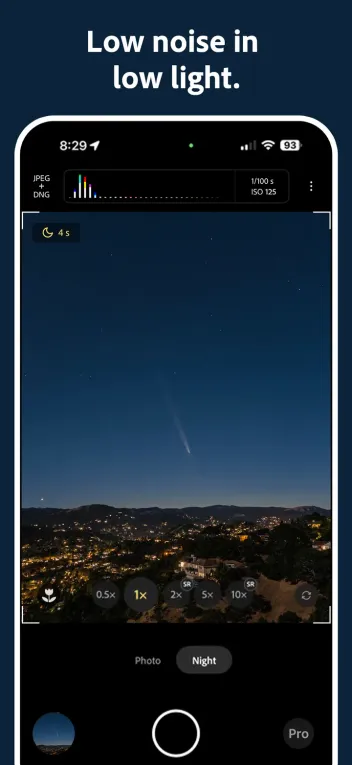
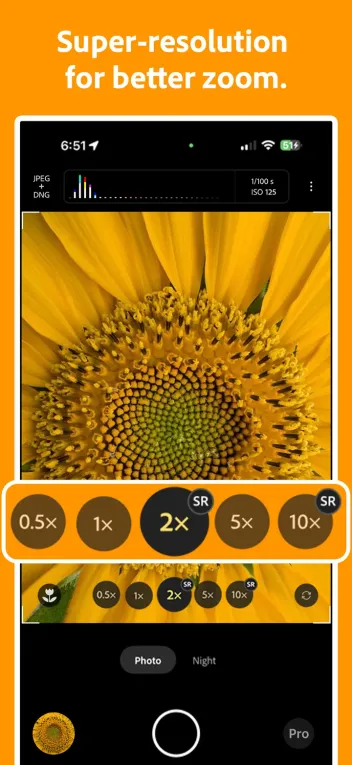
Indigo’s pitch is computational photography with restraint. Instead of one bright, sharpened frame, it captures a burst, holds highlight detail and builds cleaner shadows. The result often looks closer to a small mirrorless JPEG than to stock iPhone Photographic Styles.
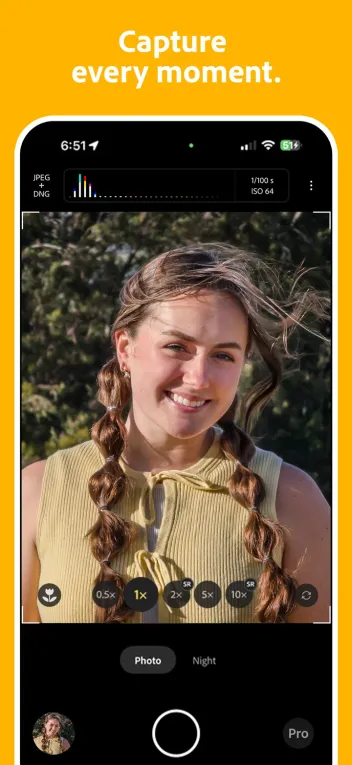
Photo and Night modes cover the main stills cases. Zero shutter lag helps when timing matters. Files can hold up on a large display better than aggressive phone HDR. Results depend on light and device; newer Pro iPhones show the pipeline at its best.
04Manual control
Manual control · 7.5
Shutter, ISO, focus and white balance are there
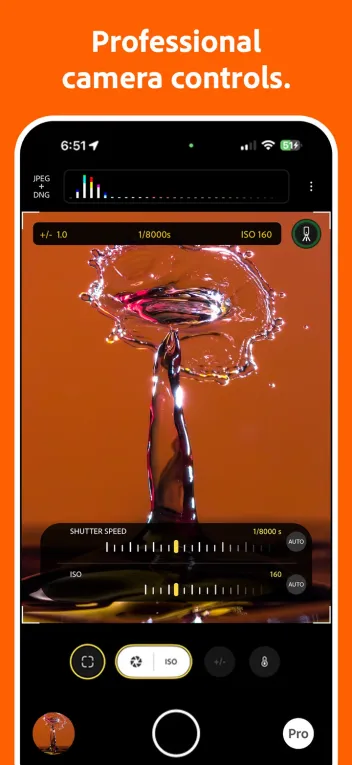
You can take over shutter speed, ISO, exposure, focus and white balance when auto misses. That puts Indigo in the same conversation as Halide for people who meter on purpose. Focus tools and temperature controls are present; they are just buried a layer deeper than Halide’s one-handed strip.
Halide still wins for priority modes, peaking workflow and composition guides that stay visible while you shoot. Indigo’s manuals are enough for a careful still. They are not yet the reason to leave a polished pro app.
05Speed & polish
Speed & polish · 6.0
Heavy pipeline, experimental chrome
The app is large, and the multi-frame stack costs time and heat. Launch and shot-to-shot pace trail (Not Boring) Camera and often trail Halide. Adobe recommends newer iPhones; Pro models from recent years are the comfortable floor.
The UI feels like a research build that grew features. Controls work; they do not feel finished. That is acceptable for a free Labs project and frustrating if you expected a daily driver on day one.
06Features
Features · 6.5
Stills-first, with Tech Previews for AI experiments
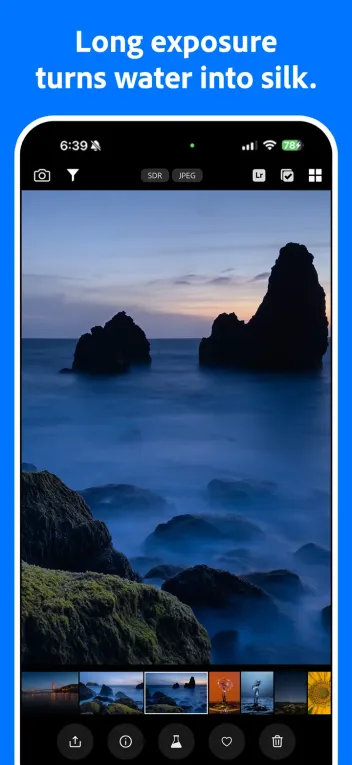
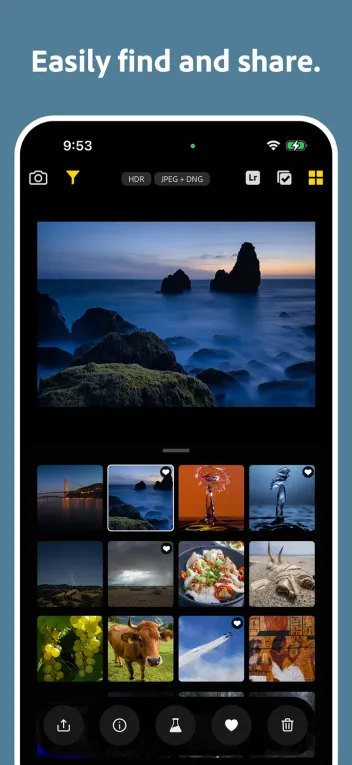
Indigo is a stills camera. There is no video recording, no panorama and no portrait mode in the sense of stock Camera’s depth modes. What you get is the computational still pipeline, manuals and a gallery that can keep DNGs without paying.
Tech Previews expose experiments such as limited AI editing playgrounds. Adobe has run those as opt-in tests with temporary free access and has said a paid version may follow if people use them. Treat Previews as optional science, not as a promise that Indigo becomes Lightroom overnight.
07Plans & pricing
Value · 9.5
Free camera, free DNG, watch the AI experiments
US pricing as of October 2026. The App Store lists Project Indigo as Free.
- Project IndigoFull camera, manual controls and DNG; no Adobe login required$0
- AI Playground (experiment)Limited opt-in tests; Adobe has said a paid version may follow if it sticks$0 for now
The full camera, manual controls and DNG saving cost $0. No Adobe login is required for core shooting. That undercuts Halide’s $19.99 year or $69.99 process and Not Boring’s Plus gate on RAW.
Value is the reason to install it. The limit is unfinished product, not a paywall. If Adobe later meters AI Playground or moves features into a Creative Cloud upsell, re-check the listing. For now, the honest comparison is free Indigo versus paid Halide depth versus Not Boring’s fun free tier.
08Privacy
Privacy · 7.0
No login to shoot; Adobe Labs still sits behind the app
You can shoot without an Adobe account, which is the right default for a camera test. Photos stay in your library unless you opt into experiments that say otherwise. Adobe’s AI Playground tests have described limited telemetry such as button presses, with claims that prompts and images stay off training in those trials.
Read the prompt when a Preview asks to join. Project Indigo is still an Adobe Labs app, so the long-term data story can change as features graduate. For everyday stills without Previews, the surface area stays smaller than a social camera.
09Alternatives
Worth a look
When another camera makes more sense

Halide Mark III
The paid pro pick with Process Zero, priority modes and Photo Lab. Buy it when Indigo's speed and missing modes get in the way.

(Not Boring) Camera
Faster, more playful daily camera with SuperRaw. RAW needs Plus; still the better free-to-start experience for most people.

Leica LUX
Subscription looks tuned by Leica. Choose it for that aesthetic, not for Adobe's multi-frame science project.
10Bottom line
Free to try, paid when you need finish
Install free, pay Halide when you outgrow the prototype
Download Project Indigo and shoot a weekend in good light on a recent Pro iPhone. Keep it when the natural multi-frame look earns a slot beside stock Camera. Move to Halide Mark III when you need faster handling, priority modes and Photo Lab, or to (Not Boring) Camera when you want a fun daily shooter that opens in under a second.