01The verdict
8.5 / 10 · Best free music identifier
Free song ID that still does one job better than anyone
Shazam is still the fastest way to name a song playing in a cafe, a car or a TikTok. Apple owns it, the app is free, and there is no Shazam subscription for recognition, lyrics, history or charts. That simple deal held after the acquisition.
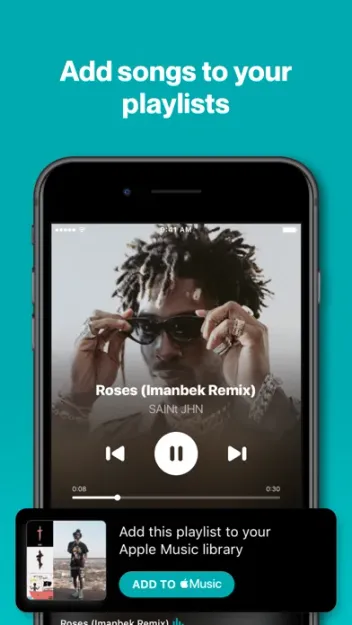
The catch is playback. Hearing the full track means linking Apple Music, Spotify or another service you already pay for. Offline mode captures a fingerprint and finishes the match when you reconnect; it does not download music. We’d keep Shazam on the phone even if Music Recognition is already in Control Center.
02Screenshots
From the App Store
A look inside the app
03Song recognition
Song recognition · 9.5
Tap once, get the track
Shazam’s matcher is the product. Point the mic at a speaker, a TV or a loud bar, and it returns title, artist and artwork in a few seconds. It also identifies music playing inside apps such as TikTok, Instagram, YouTube and Snapchat when the audio reaches the mic or supported system paths.
Accuracy is high on mainstream pop, hip-hop, electronic and catalog hits. Obscure live edits, heavy remixes and near-silent sources miss more often. For the songs people actually ask about, this is still the tool we trust first.
04Design & everyday use
Design & everyday use · 8.5
Big blue button, clear results
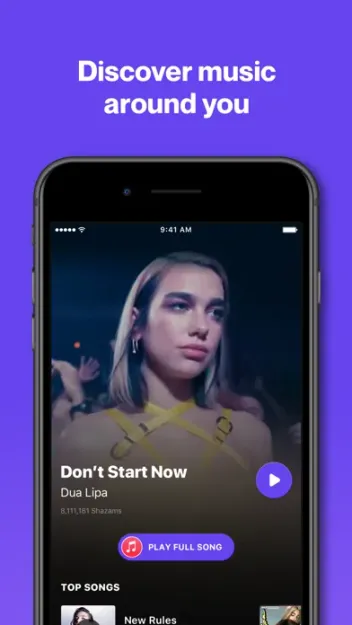
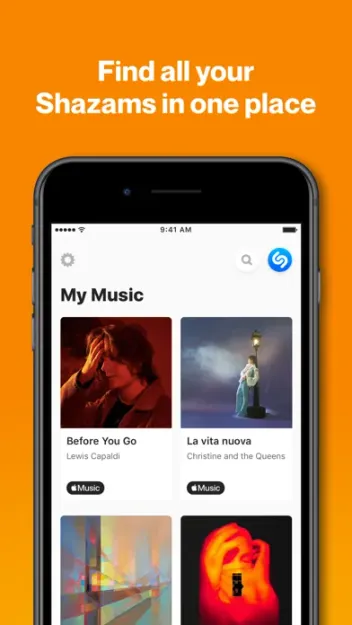
The home screen is a large Shazam button with recent matches underneath. A result opens lyrics, artist info, related tracks and buttons to play or save in a linked service. My Music keeps your history searchable.
On iPhone, Live Activities and the Dynamic Island show a match in progress without holding the app open. The visual language is bright and simple. It is a utility first, and the chrome stays out of the way once you learn where history and charts live.
05Discovery & concerts
Discovery & concerts · 8.0
Charts, lyrics and who is touring near you
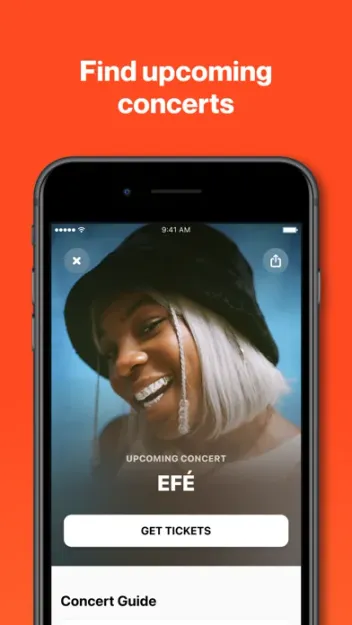
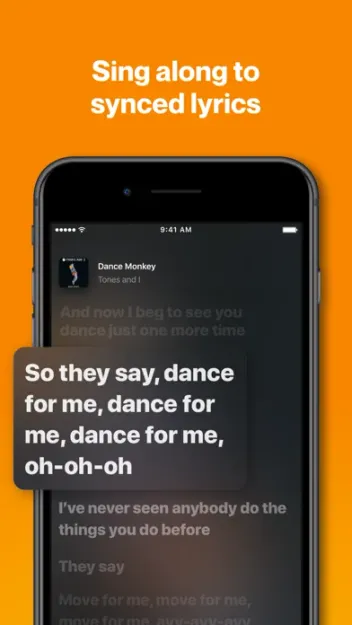
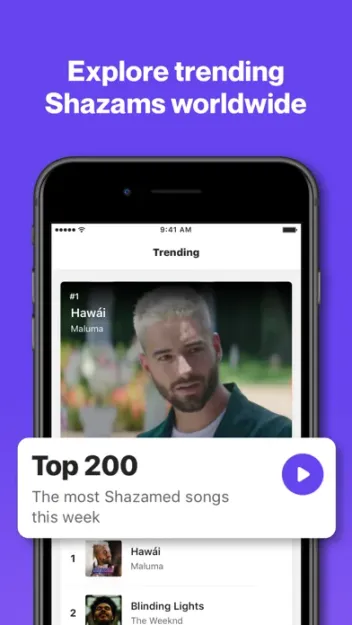
Shazam Charts show what people are identifying by city and country, which is a useful pulse check on breakout tracks. Lyrics appear for many matches so you can confirm you have the right song. Artist pages surface top Shazams and tour dates.
Concert discovery is handy when a match reminds you a favorite act is nearby. It is not a full ticketing app. Use it as a tip, then buy seats in your usual box-office tool.
06Offline & system hooks
Offline & system hooks · 8.5
Capture now, identify when you have signal
Without a network, Shazam can still record a digital fingerprint from Control Center or the app. When the phone reconnects, it finishes the match and notifies you. That saves songs you would have lost in a subway or a festival dead zone.
Auto Shazam keeps listening in the background for a stretch of time. On iPhone, Control Center, Siri and the Action button make recognition faster than opening the app. Android keeps the standalone app and widgets, with fewer OS-level hooks than Apple devices.
07Plans & pricing
Value · 9.5
Shazam is free; listening is not
US pricing as of October 2026. Shazam itself has no paid tier for identification.
- ShazamSong ID, lyrics, history, charts and concerts; no Shazam paywall$0
- Apple Music (optional)Full playback and library saves from Shazam; separate subscriptionFrom $11.99/mo
Song ID, history, lyrics, charts and concert listings cost $0. Full playback and saving into a library need a separate music subscription. Apple Music Individual is commonly listed around $11.99 a month in the US; Spotify and YouTube Music are nearby. Confirm those prices at checkout.
We’d call Shazam excellent value because the thing people search for (naming the song) stays free. Budget for the streaming app you already use if you want to hear more than a preview.
08Privacy
Privacy · 7.0
Apple Account on Apple devices, mic access everywhere
Shazam needs the microphone to work. On Apple devices, history and library features tie into your Apple Account. Apple publishes privacy labels and controls for Music Recognition and the Shazam app; review what is linked to your account in Settings.
Matches you save become part of your listening trail when you connect Apple Music or another service. That is expected for a discovery tool owned by a platform that sells subscriptions. Use a local history mindset if you share a device.
09Alternatives
Worth a look
When another app makes more sense

Apple Music
Built-in Music Recognition covers the same ID job on iPhone. Shazam still wins for history, charts, lyrics and Android.

Spotify
Better as your daily player and playlist home. Song ID is weaker; many people Shazam first, then save into Spotify.

YouTube Music
Strong when the track lives on YouTube first. Fine as a playback target after Shazam identifies the song.
10Bottom line
Install it, leave it free
Keep the free app; pay only for playback
Download Shazam, put it in Control Center, and use it whenever a song passes without a name. Stay on the free tier for identification. Link Apple Music, Spotify or YouTube Music only when you want the full track or a playlist of everything you have matched.