01The verdict
8.0 / 10 · Best all-in-one workspace
Stay free solo. Buy Plus for teams. Pay Business only for AI.
Notion is still the workspace we’d hand someone who wants notes, docs, databases and light projects in one place. Pages nest cleanly. Databases power trackers, CRMs and editorial calendars. Templates get a solo user productive in an afternoon.
The pricing trap in 2026 is AI. Free and Plus only include a limited Notion AI trial. Full Notion AI (Agent, AI Meeting Notes, Enterprise Search and Research mode) sits on Business at $20 per member per month billed yearly. We’d live on Free alone, take Plus when a second member or larger uploads matter, and move to Business only when the AI trial runs out and the team still wants it daily.
02Screenshots
From the App Store
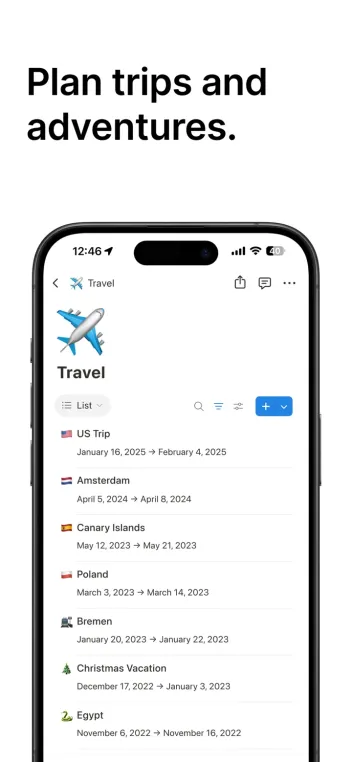
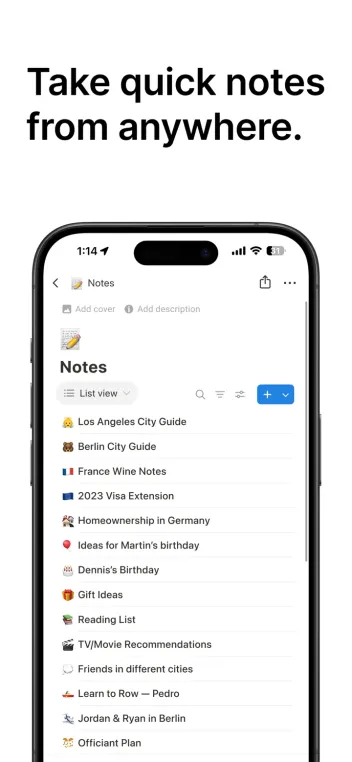
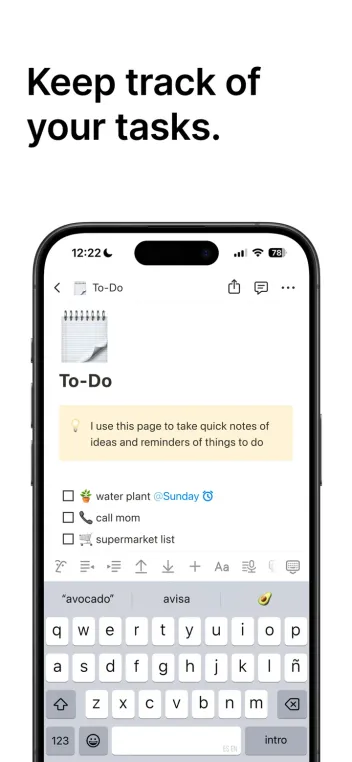
A look inside the app

03Docs & databases
Docs & databases · 9.0
The core that still beats narrower notes apps
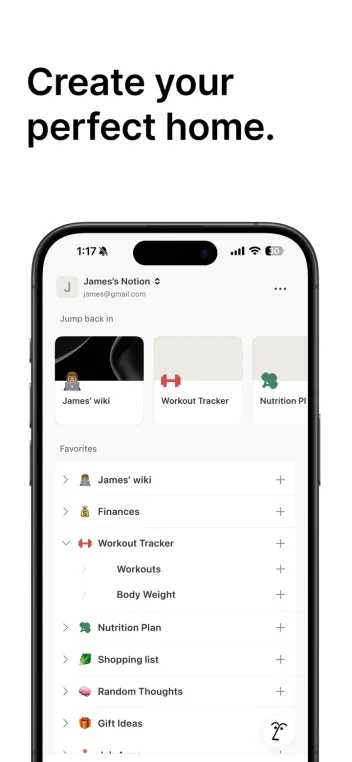
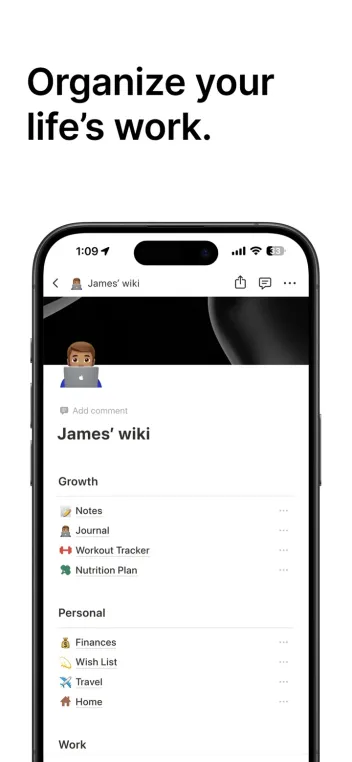
Notion pages mix text, to-dos, embeds, toggles and synced blocks without forcing a single format. Databases add views (table, board, calendar, gallery) on the same data. Linked databases let one source feed many dashboards.
That flexibility is why Notion replaced separate wiki, notes and lightweight project tools for so many teams. It is also why empty workspaces sprawl. Name pages clearly, limit top-level clutter and archive stale databases, or the strength becomes a junk drawer.
04Design & everyday use
Design & everyday use · 8.0
Clean on desktop; heavier on phone
The desktop and web apps are where Notion feels native. Sidebar, slash commands and database layouts reward keyboard use. Home can show Notion Agent prompts, upcoming tasks and pinned databases without much chrome.
Mobile is fine for reading, checking boxes and light edits. Building a complex database on a phone is slower. Offline covers recent and favorite pages on paid plans more gracefully than a full local-first vault. For capture-first task lists, Todoist still opens faster.
05Collaboration
Collaboration · 8.5
Guests, teamspaces and permissions that scale
Guests are free and work well for clients or contractors on specific pages. Plus lifts guest and upload limits that pinch Free teams. Business adds private teamspaces, granular database permissions and SAML SSO for companies that need tighter control.
Comments, mentions and page history support real editorial work. Page history is 7 days on Free, 30 on Plus and 90 on Business. For chat-heavy coordination, pair Notion with Slack rather than turning pages into a message bus.
06Notion AI
Notion AI · 7.5
Useful, and no longer a cheap add-on
Notion Agent can draft pages, autofill databases, summarize and answer across the workspace. AI Meeting Notes turn transcripts into action items. Enterprise Search and Research mode matter more once connected apps are in play.
Free and Plus get a limited trial of those features. Full access requires Business or Enterprise. Custom Agents are a separate meter at about $10 per 1,000 Notion credits after a free try. We’d treat AI as a Business decision, not a Plus checkbox. The writing quality is solid inside a workspace context; dedicated assistants like Claude still win for long standalone drafts.
07Plans & pricing
Value · 7.5
Free solo, Plus for teams, Business for AI
US prices as of October 2026 from Notion’s pricing materials. Yearly billing saves up to about 20% versus month-to-month. Confirm at checkout.
- FreeUnlimited for 1 member; limits with 2+ members$0
- PlusPer member billed yearly; $12 month-to-month$10/mo
- BusinessPer member billed yearly; full Notion AI; $24 month-to-month$20/mo
- EnterpriseSSO, SCIM, audit log, zero data retention for AICustom
Free is $0 and unlimited for one member. With two or more members, blocks and file uploads (5 MB per file) hit limits. Plus is $10 per member per month billed yearly, or about $12 month-to-month, with unlimited collaborative blocks and uploads. Business is $20 per member per month billed yearly (about $24 month-to-month) and includes full Notion AI. Enterprise is quote-only.
Students and educators can get Plus features on a one-member education offer with an eligible school email. Value sits at 7.5 because Free and Plus remain fair for docs, while AI pricing now forces a steeper seat jump.
08Privacy
Privacy · 7.5
Cloud workspace with export and AI data controls
Notion stores your workspace in the cloud. There is no full local-first mode. Workspace owners can export content as HTML, Markdown and CSV. Enterprise adds stronger admin, audit and zero data retention options with LLM providers for Notion AI.
Notion states that AI subprocessors are contracted not to train on customer data, and that Notion AI does not train on your content unless you opt into a share request. Turn on 2FA, review guest access and use private teamspaces for sensitive material. Business and Enterprise are the right tiers when SSO and admin logs are required.
09Alternatives
Worth a look
When another tool makes more sense

Todoist
Faster when the job is capturing tasks, not building a wiki. Quick Add beats Notion for pure to-dos; Notion wins when tasks sit inside docs and databases.

Claude
Stronger long-form writing and coding help outside a workspace. Use it beside Notion when drafts need a dedicated assistant rather than page-native AI.

Slack
Better for real-time team chat and huddles. Notion stays the system of record for docs; Slack stays the conversation layer.
10Bottom line
Workspace first
Free alone, Plus with a team, Business when AI sticks
Build your wiki and databases on Free if you are solo. Upgrade to Plus when a second member, larger files or longer history appear. Take Business only after the AI trial proves it earns $20 a seat. Keep Todoist for lightning-fast tasks and Claude for long drafts that do not need to live inside a page.