01The verdict
8.5 / 10 · Best for fun, natural photos
The camera app that makes you want to take photos
(Not Boring) Camera turns your iPhone into a chunky, clicky 3D camera with real dials, switches and a shutter button you can feel. Behind the toy look is a serious process: SuperRaw skips most of Apple’s heavy processing, and live film-style looks mean shots are ready to share without editing.
The free app is truly complete. Plus is where RAW files, 48MP and HDR live, and the occasional gap between preview and final photo means it’s not yet a stand-in for Halide if you shoot for work. As a daily camera that’s simply fun to use, nothing on iPhone beats it.
02Screenshots
From the App Store
A look inside the app
03Design & feel
Design & feel · 9.5
Click, tick, snap
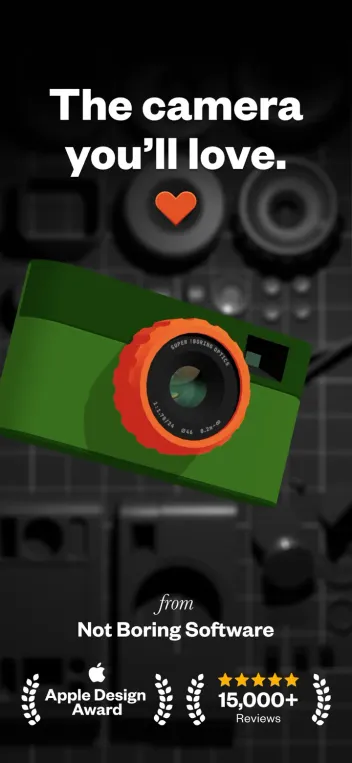
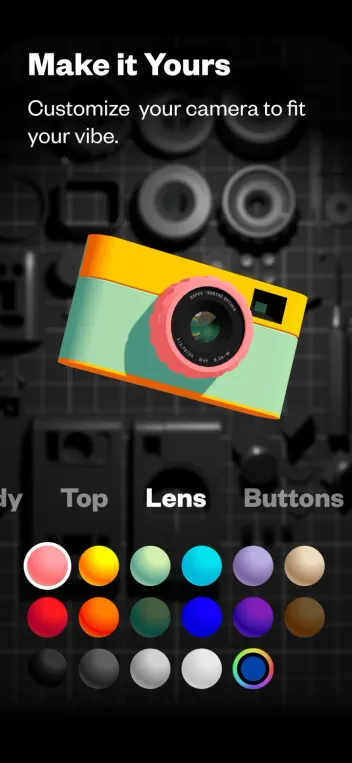
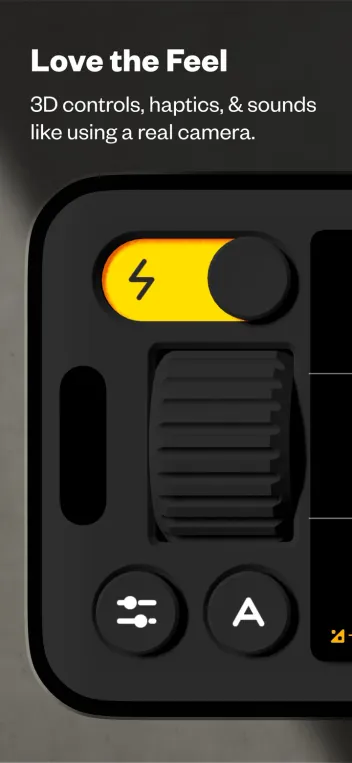
This is the most physical-feeling app we’ve used. The camera body is drawn in 3D with dynamic lighting, every dial clicks with its own sound and haptic, and the ridged Style dial is a joy to spin. It earned Not Boring a spot among this year’s Apple Design Awards finalists, and it shows.
You can recolor nearly every part of the camera, save the result as a colorway and share it with friends. It’s pure fun, and it makes you reach for this app instead of the built-in one.
One annoyance: shutter and dial sounds ignore the mute switch out of the box. There’s a toggle in Settings, but it’s worth flipping before you shoot somewhere quiet.
04Photo quality
Photo quality · 7.5
Natural, film-like photos, with a catch
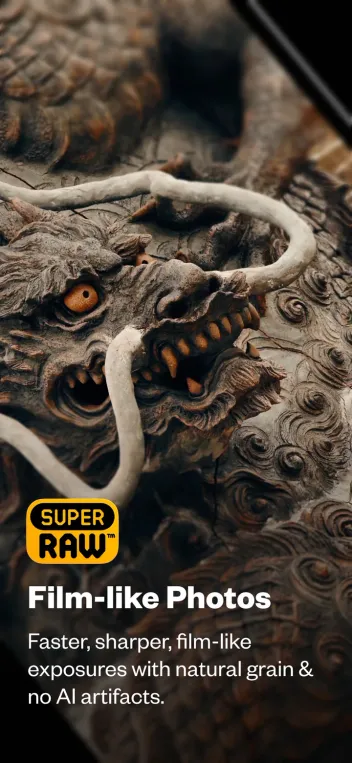
Choose between three processing modes. SuperRaw reads the sensor with light processing, keeping natural grain and soft highlight fall-off instead of the over-sharpened, flattened look of Apple’s multi-frame stacking. Basic is closer to stock, and ProRaw uses Apple’s own format on supported Pro iPhones.
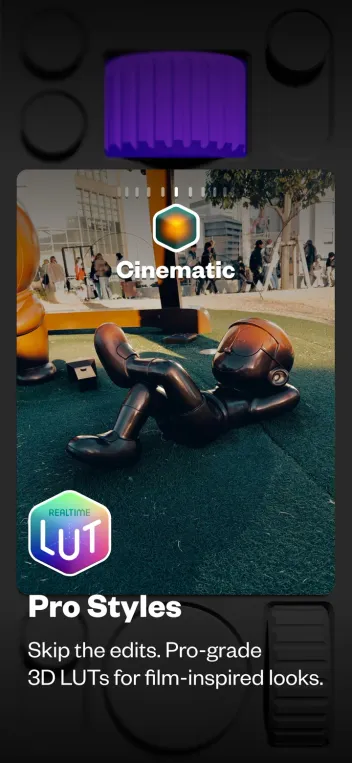
Styles are real-time 3D LUTs, the same color grading tool used in film and pro photo work. Presets like Cinematic and the black-and-white AgBr looks are excellent, and new seasonal looks keep arriving.
The catch: in SuperRaw and ProRaw, some shots come out brighter or darker than the preview suggested. Recent updates have improved exposure, and Basic avoids it entirely, but it’s the app’s weakest spot.
05Manual control & speed
Manual control · 7.5 · Speed · 9.0
Pro tools when you want them, out of the way when you don’t
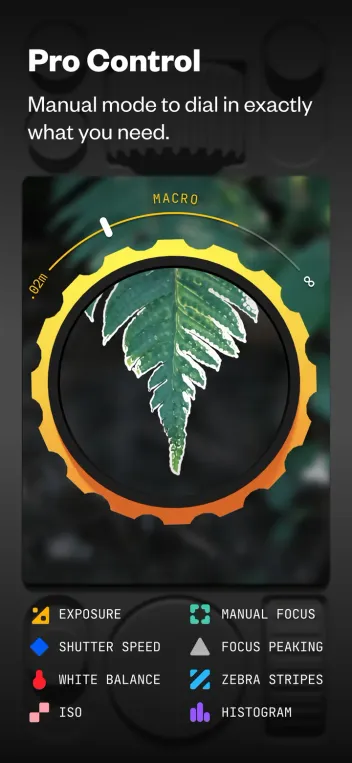
Auto mode handles most shots. Switch to Manual and you get shutter speed, ISO, white balance and a precise focus ring with distance markings, plus focus peaking, zebra stripes and a histogram. The latest update adds variable aperture support on iPhone 18 Pro.
There’s no true shutter priority mode yet, since shutter speed and ISO are linked, and there’s no video recording at all, so you’ll still need the stock Camera app for clips.
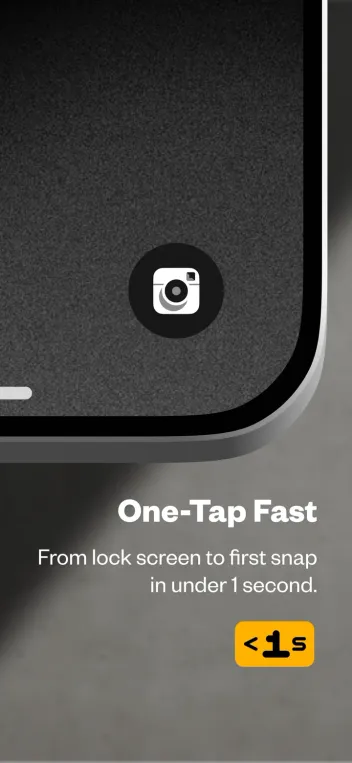
Speed is excellent. Add it to the Lock Screen, Control Center, the Action button or the Camera Control button, and it’s ready to shoot in under a second.
06Plans & pricing
Value · 7.5
Free is great; Plus is for RAW shooters
US App Store prices:
- FreeSuperRaw, styles, manual mode, HEIC only$0
- PlusRAW (DNG), 48MP, HDR, custom LUTs and colorways$14.99/yr
- LifetimePlus features, paid once$59.99
- SuperPlus in all six Not Boring apps, or $7.99/mo$29.99/yr
$14.99 a year is fair, and the $59.99 lifetime option is a welcome alternative to yet another subscription. Still, paying for DNG files hurts when Adobe’s Project Indigo saves them for free. Not Boring also promises it will never raise your price while you stay subscribed, and refunds are handled by Apple.
07Privacy
Privacy · 10
Collects nothing, stores nothing, shares nothing
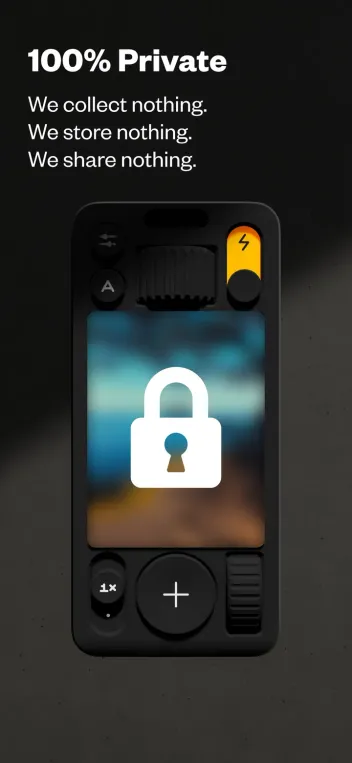
There’s no account, no ads and no analytics. Photos are saved straight to your Photos library, and the developer says it collects, stores and shares nothing. That’s exactly what a camera app should do, and we wish more apps did.
08Alternatives
Worth a look
When another camera makes more sense

Halide Mark III
The serious photographer's pick: deeper manual control, excellent RAW handling and its own natural Process Zero mode, with a more practical feel.

Project Indigo
Adobe's free test camera. Natural, multi-frame photos and free DNG saving, though it is slower and less playful.

Leica LUX
Leica-tuned looks and lens simulations with a premium subscription. Best if you want a specific classic rendering rather than a toy to play with.
09Bottom line
Recommended
Install it, then pick a style
If iPhone photos have started to look too processed, or you just miss the feel of a real camera, download (Not Boring) Camera and shoot a week with the free version. Upgrade to Plus only if you want RAW files to edit later, or buy the $59.99 lifetime plan and stop worrying about it.