01The verdict
8.5 / 10 · Best for product and UI teams
The product design default, with a clear free wall
Figma is the design tool we’d standardize on for product UI, design systems and live critique. The browser editor, multiplayer canvas, prototyping and Dev Mode still lead the category for most teams. Solo freelancers and small studios get far on Professional.
The free Starter plan is real for learning and personal drafts, then it stops you. Collaborative files are capped, version history is 30 days, and team libraries need a paid seat. The App Store listing is Figma’s mobile companion for viewing, commenting and mirroring. Serious editing still happens on web or desktop. We’d start on Starter, then buy a Professional Full seat when client files need unlimited pages and history.
02Screenshots
From the App Store
A look inside the app
03Design & canvas
Design & canvas · 9.5
Still the editor most of us open first
Figma’s canvas covers frames, auto layout, components, variants, variables and vector tools in one file. Performance holds up for large product files in daily use. Desktop apps for Mac and Windows wrap the same editor when you want a dedicated window.
FigJam, Slides, Make, Draw and newer Motion and Sites tools sit under the same login. You can sketch a flow in FigJam, design screens in Figma, and hand a prototype to engineering without exporting a stack of PNGs. That breadth is why teams standardize here.
04Collaboration
Collaboration · 9.5
Multiplayer that actually changes how teams work
Live cursors, comments, observation mode and share links are why Figma beat file-based design tools. Stakeholders can view and comment without an editor seat on paid plans. Voice chat in-file covers quick critiques. Shared libraries keep buttons and tokens consistent across a team.
Permissions are clear enough for client work: view, comment or edit. Organization and Enterprise add branching, org-wide libraries and admin controls when one Professional team is no longer enough.
05Prototyping & Dev Mode
Prototyping & Dev Mode · 9.0
From clickable flows to inspectable specs
Prototypes support overlays, smart animate, variables and conditional logic for realistic flows. Dev Mode gives engineers measurements, CSS and component properties without digging through the design file blind. Code Connect and the VS Code extension tighten that handoff further on paid seats.
Starter is thin here for anything beyond a personal mock. Professional is where unlimited files, team libraries and advanced Dev Mode inspection become the default. That is the plan most solo designers and small product teams should budget for.
06Mobile companion
Mobile companion · 7.0
Review and mirror, not a pocket editor
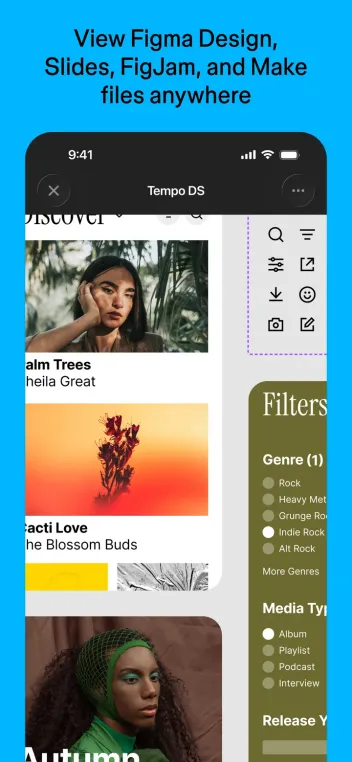
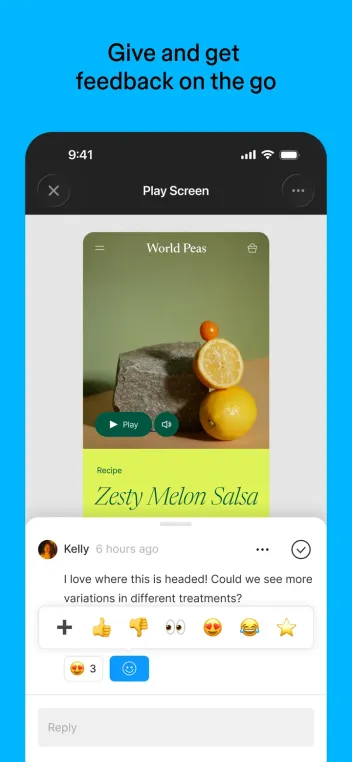
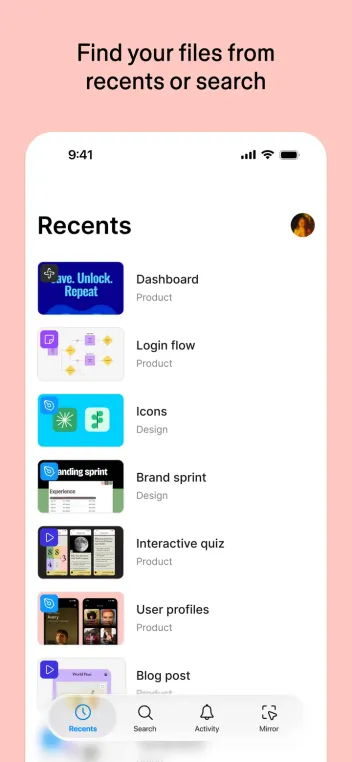
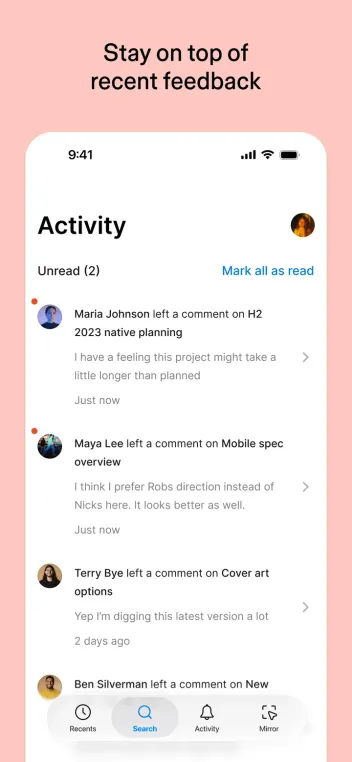
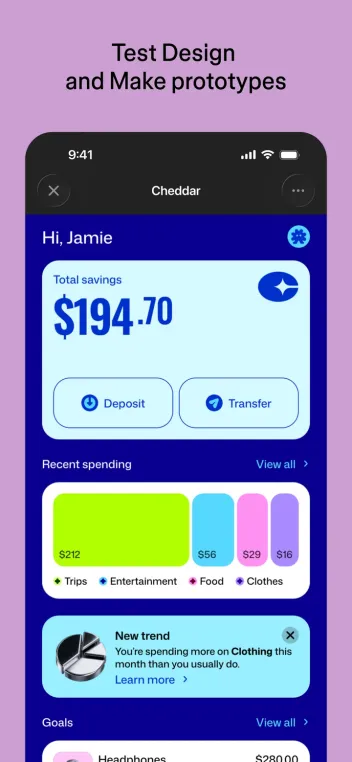
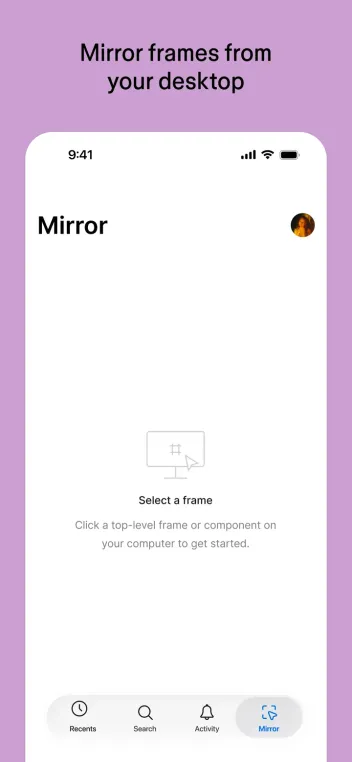
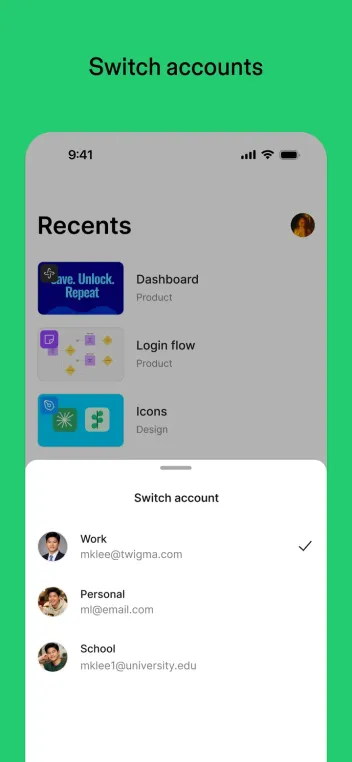
The iPhone and Android apps open Design, FigJam, Slides and Make files, support comments and mentions, and mirror prototypes from a desktop session. That is useful in a hallway review or on the train. You can browse recent files and move through pages without a laptop.
You do not get a full mobile design editor. Frames, auto layout and component surgery stay on web and desktop. Score this honestly as a companion. If your only device is a phone, Figma is the wrong primary tool.
07Plans & pricing
Value · 8.0
Starter to learn; Professional to ship
US prices from figma.com/pricing as of October 2026. Confirm at checkout. Professional offers monthly or annual billing; Organization and Enterprise bill annually only.
- StarterUnlimited drafts; 3 collaborative files; 30-day history; 500 AI credits/mo$0
- ProfessionalFull seat billed yearly ($20 monthly); Dev $12; Collab $3$16/seat
- OrganizationFull seat billed yearly only; Dev $25; Collab $5$55/seat
- EnterpriseFull seat billed yearly; advanced security and scale$90/seat
Starter is free: unlimited personal drafts, three collaborative design files with limited pages, 30 days of version history, and 500 AI credits a month capped at 150 a day. Professional Full seats are $16 a month billed yearly, or $20 month-to-month, with 3,000 AI credits. Dev seats are $12 yearly and Collab seats $3 yearly on Professional. View-and-comment access stays free on paid plans.
Organization Full seats jump to $55 a month billed yearly for shared fonts, org libraries and admin tools. Enterprise lists Full seats at $90. For a solo designer or a three-person product team, Professional is the plan that removes the Starter walls without overbuying. AI credits are now metered; heavy agent use may need top-ups.
08Privacy
Privacy · 8.0
Cloud files, org controls on higher plans
Figma stores files in the cloud. Encryption, SSO, activity logs, link controls and guest policies scale up on Organization and Enterprise. Education plans exist for schools. There is no local-first Figma for people who need designs to stay only on their machine.
For ordinary product work, that is fine. Check sharing links, external guest settings and which plugins your team installs. Export critical files if a client needs an offline archive outside Figma’s servers.
09Alternatives
Worth a look
When another tool makes more sense

Notion
Better when the job is docs, specs and lightweight diagrams rather than pixel design. Weak as a UI editor next to Figma.

CapCut
The pick for short-form video editing, not product UI. Use it beside Figma when motion and social cuts are the deliverable.

Slack
Where design critique often happens in chat. Pair it with Figma rather than replacing the canvas.
10Bottom line
Starter, then one Full seat
Learn free, buy Professional when files get real
Install Figma on the web, keep drafts on Starter, and use the phone app only for review and mirroring. When a sixth collaborative page or 30-day history is not enough, take a Professional Full seat at $16 a month billed yearly. Add Dev and Collab seats for engineers and reviewers instead of buying everyone a Full seat. Skip Organization until you need org-wide libraries, SSO or multiple teams under one admin roof.