

01The verdict
8.5 / 10 · Best for writing
The $20 plan we’d pick for writing and code
Claude is the strongest writer and coder among the big AI assistants. It handles long documents with care, drafts that need less cleanup, and code work that stays clear across a session. On Pro, that is enough for most people who write or ship software every day.
The catch is usage. Pro caps are real, they reset on a rolling five-hour window with weekly limits on top, and chat, desktop and Claude Code share one pool. Hit them often and you are looking at Max at $100 or $200 a month. There is also no built-in image generation. We’d still start here if writing or coding is the main job.
02Screenshots
From the App Store
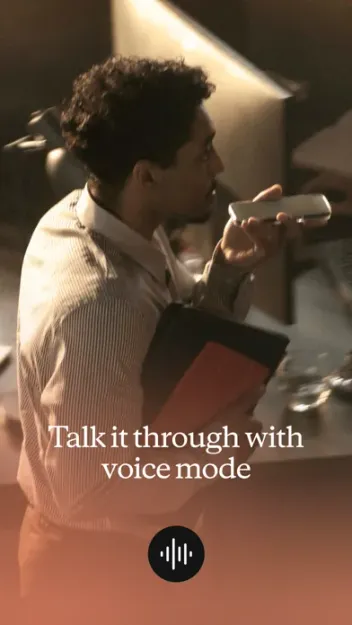
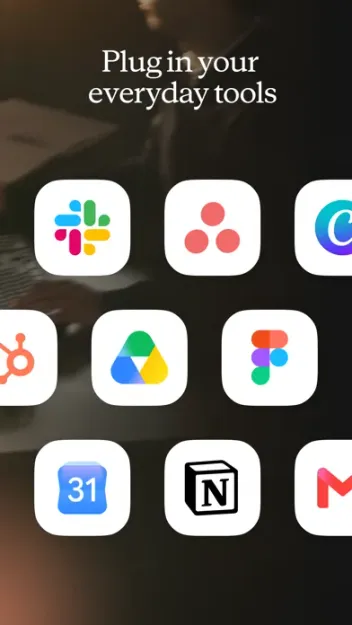
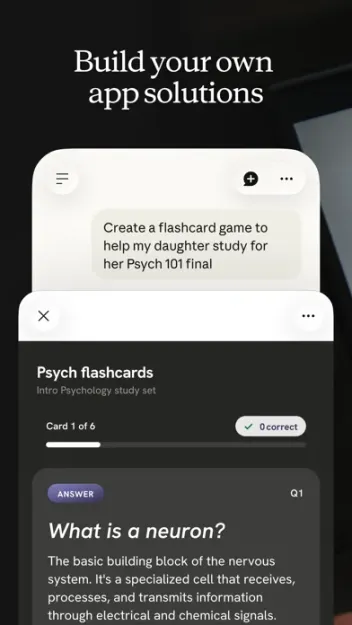
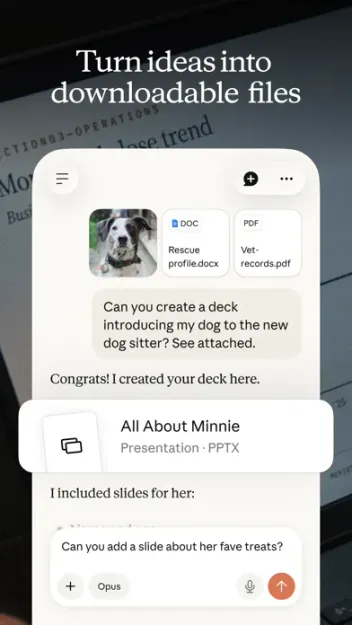
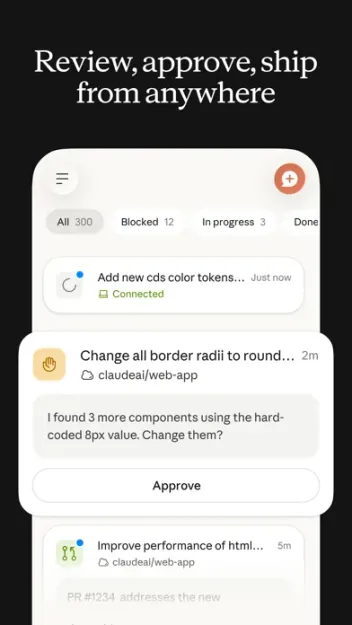
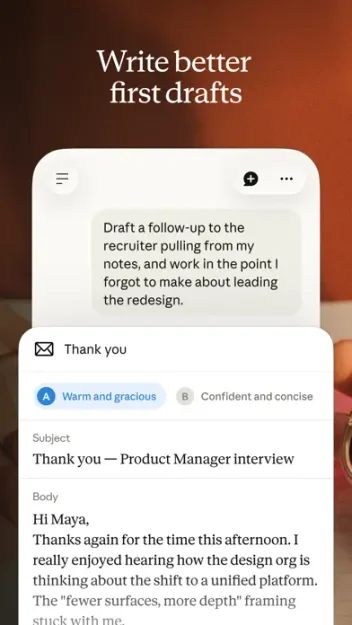
A look inside the app


03Writing & editing
Writing & editing · 9.5
The drafts we’d actually send
Claude is the assistant we reach for when the output has to read well. Essays, briefs, emails and edits come back organized and specific, with less filler than most rivals. It follows style notes and stays steady across a long thread.
Long documents are a clear strength. Paste a report, attach a file, or drop reference material into a Project, and Claude keeps the thread without losing the brief. For pure writing quality among ChatGPT, Gemini and Grok, this is the one we’d choose.
04Coding & Claude Code
Coding & Claude Code · 9.0
Chat for snippets, Claude Code for the repo
In chat, Claude is strong at explaining code, refactoring and walking through bugs. It asks follow-up questions when the brief is thin, which slows you down in a useful way. Artifacts can preview small apps and snippets in place.
Claude Code is the bigger deal for people who live in a terminal or IDE. It is included on Pro and up, can install packages, edit files and run commands, and it pulls from the same usage pool as chat. A heavy coding afternoon will burn Pro limits faster than a few writing sessions.
05Artifacts, projects & design
Artifacts & projects · 8.5 · Design & everyday use · 8.0
A calm app with room to work
Artifacts open a live preview beside the chat for docs, tables, diagrams and small apps. You can revise without copying into another tool. Projects group chats with reference files and custom instructions, which is how we keep client or codebase context from spilling across work.
The apps on iPhone, iPad, Android, web and desktop share a quiet, readable layout. Home shows chats, Projects and recent Artifacts without much clutter. It is not the flashiest assistant, and that is fine for work that lasts more than a few minutes.
Claude can search the web, connect apps and tools, and run code in context. It does not create images in-app. For that job, use ChatGPT, Gemini or Grok.
06Plans & pricing
Value · 7.0
Pro until the caps, then Max
US prices on claude.com as of October 2026. Confirm at checkout; App Store and Play billing can differ.
- FreeChat, Artifacts, web search; tight usage caps$0
- Pro$17/mo billed yearly ($200); Claude Code, Projects, more usage$20
- Max 5x5× Pro usage per session; priority access; monthly only$100
- Max 20x20× Pro usage per session; highest output limits$200
- TeamStandard seat; $20/mo billed yearly; admin and SSO$25
Free is enough to try the voice and Artifacts. Pro at $20 a month, or $17 a month billed yearly ($200 up front), is the plan we’d buy first. Max 5x and Max 20x are monthly only, at $100 and $200, with 5× or 20× Pro usage per five-hour session plus higher output limits. Team Standard seats are $25 a month, or $20 billed yearly.
Anthropic does not publish a fixed message count. Limits reset on a rolling five-hour window, paid plans add weekly caps, and everything shares one pool. When you hit a wall on Pro, you wait, add usage credits at API rates, or move to Max. That limit is the reason Value sits at 7.
07Privacy & safety
Privacy & safety · 9.0
Clear controls, cautious defaults
On Free, Pro and Max, Anthropic uses your chats and coding sessions to improve models only if you leave model improvement on in Settings → Privacy. Turn it off and new sessions stay out of training. Incognito chats are left out even when the setting is on. Team and Enterprise skip training on your content by default.
Claude’s guardrails are stricter than Grok’s and closer to ChatGPT’s on sensitive topics. That care is part of why we trust it with drafts and code we would not paste into a looser app. Export your data from Privacy settings on web or desktop when you need a copy.
08Alternatives
Worth a look
When another assistant makes more sense

ChatGPT
The most complete all-rounder, with polished voice, memory, built-in image tools and a larger app ecosystem.

Gemini
Best if you live in Google's world: Gmail, Docs, Maps and Android, plus strong image and video generation.

Grok
The pick for breaking news and trends, with image and video generation in the same app and a cheaper $8 entry plan.
09Bottom line
Excellent, with a ceiling
Start on Pro. Upgrade only when you must.
If you write or code for hours most days, try Claude on the free plan, then take Pro at $17 a month billed yearly. Turn off model improvement in Privacy on day one if you care about training. Move to Max only after Pro limits keep stopping you mid-session. For image generation, breaking news or a cheaper starter plan, keep ChatGPT, Gemini or Grok nearby.