

01The verdict
8.5 / 10 · Best all-rounder
The default assistant, with Plus as the real plan
ChatGPT is the AI assistant we’d hand to most people who want one app for chat, writing help, images, voice and light coding. The clients are polished, the tool set is the widest of the big assistants, and Plus at $20 a month is enough for ordinary daily work.
The catch is the ladder. Free and Go cap out fast. Plus still hits usage walls on Codex, deep research and heavy agent days. Pro starts at $100 a month and climbs to $200 or $500. Writing still trails Claude on long drafts we would send as-is. We’d start free, take Plus when the caps annoy you, and look at Pro only after Plus keeps stopping mid-project.
02Screenshots
From the App Store
A look inside the app
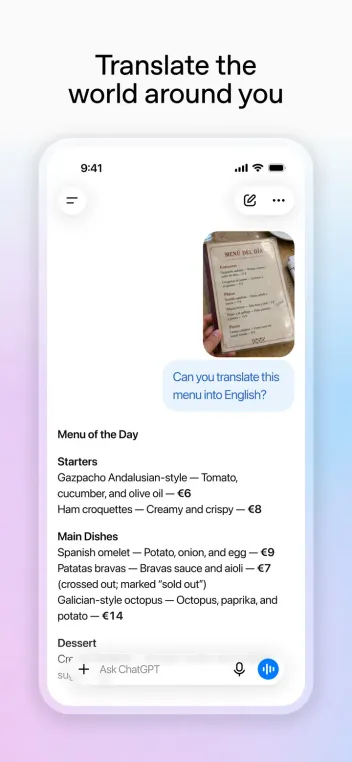
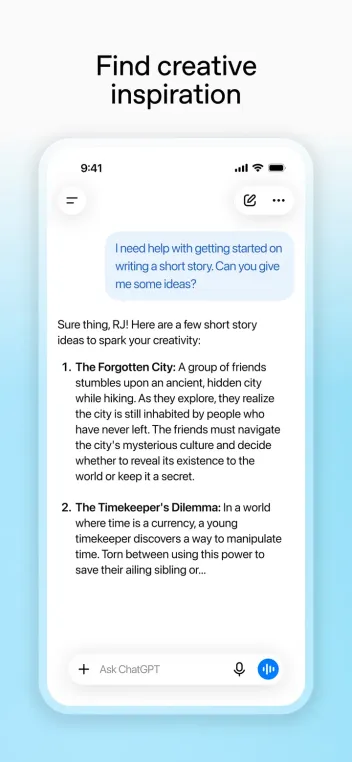
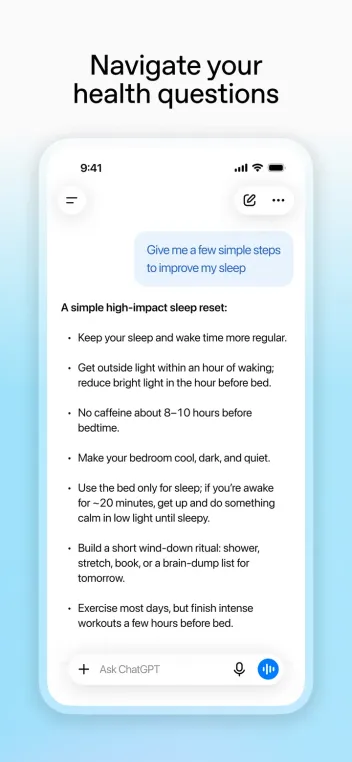
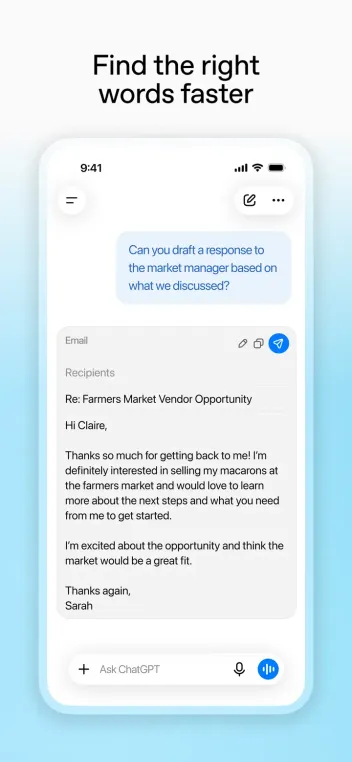
03Answers & reasoning
Answers & reasoning · 9.0
Strong default, with Claude still ahead on prose
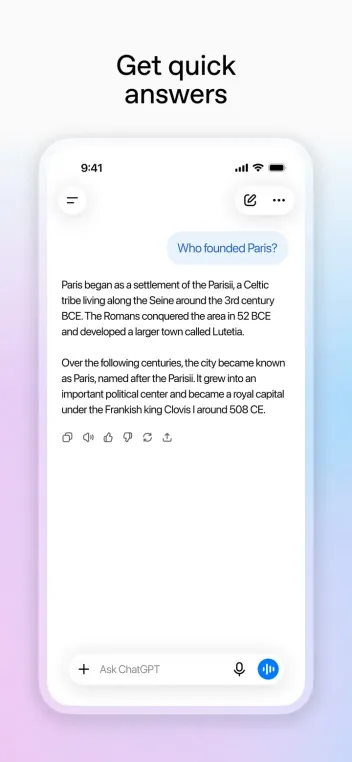
ChatGPT handles everyday questions, planning, analysis and multi-step tasks with fewer dead ends than most rivals. Projects keep files and instructions together. Memory and custom GPTs help it stay consistent across sessions when you set them up with care.
For pure writing quality on essays, briefs and edits, Claude still wins more often in our use. ChatGPT stays the better default when the job mixes reasoning with tools, images or apps in the same thread.
04Tools & multimodal
Tools & multimodal · 9.5
Images, files, research and agents in one place
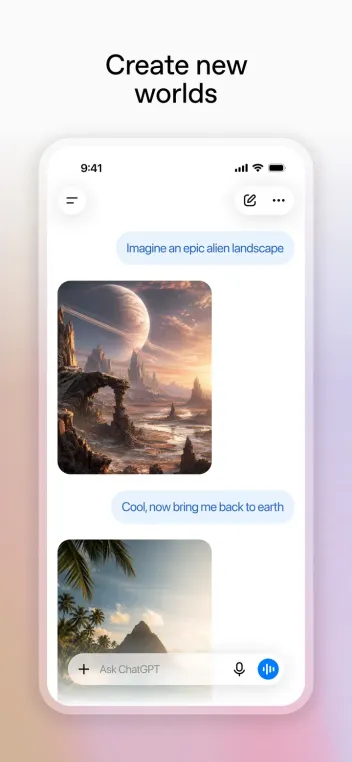
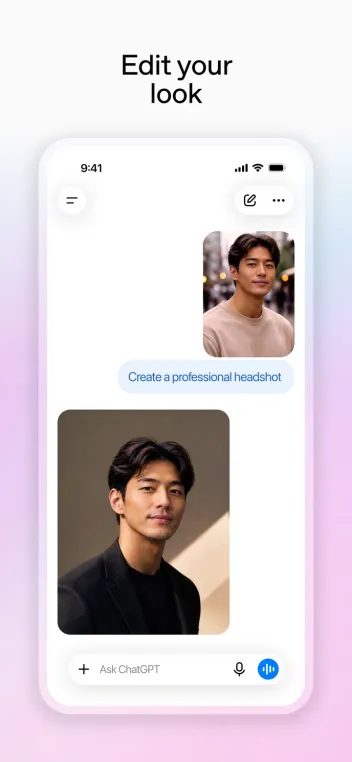
This is ChatGPT’s clearest lead. Image generation and editing, file uploads, data analysis, deep research, canvas-style editing and agent workflows sit in one product. Codex covers coding agents on paid plans. Sora video access appears on higher tiers with its own limits.
Free users get a taste with tight caps. Plus expands the set. Pro raises ceilings and adds pro reasoning modes. Model labels and exact allowances change often, so treat marketing pages as a snapshot and confirm in your account.
05Voice & apps
Voice & apps · 8.5
A phone assistant that feels finished
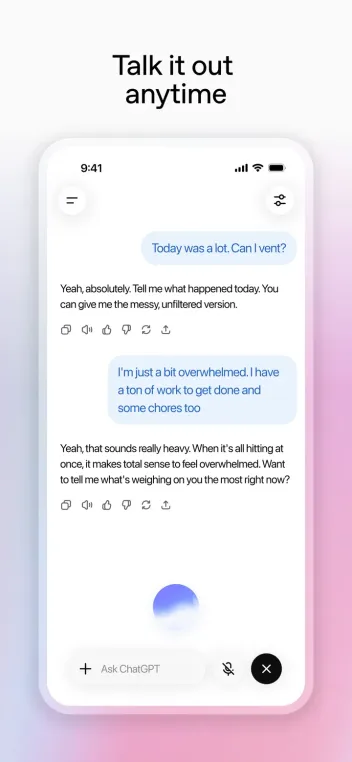
Advanced Voice Mode is good enough for brainstorming while walking or cooking. The iOS and Android apps sync history with web and desktop. Widgets, share-sheet entry and app connections make it easy to pull ChatGPT into an existing workflow.
Desktop and web remain better for long documents, big file drops and side-by-side editing. Voice is a strength, not the whole product.
06Design & everyday use
Design & everyday use · 8.5
Clean chat with room for projects
The interface stays chat-first: a composer, a thread, and side access to projects, GPTs and apps. It is easy to scan on a phone and dense enough on desktop. Temporary chats and privacy toggles are findable if you look in settings.
The home screen can feel busy once projects, GPTs and suggested tasks pile up. A short cleanup of pinned GPTs and old projects keeps it usable.
07Plans & pricing
Value · 7.5
Plus for most; Pro only after the wall
US prices from OpenAI’s ChatGPT plans materials as of October 2026. Confirm at checkout; App Store and Play billing can differ, and Pro multipliers have shifted through 2026.
- FreeLimited messages, uploads, images and deep research$0
- GoHigher limits than Free; lighter models than Plus$8
- PlusAdvanced models, projects, custom GPTs, Codex, expanded tools$20
- Pro 100About 5× Plus usage; pro reasoning; monthly only$100
- Pro 200Higher usage than Pro 100; monthly only; confirm current multiplier$200
- Pro 500Highest included usage; Ultrafast where offered$500
Free is enough to learn the product. Go at $8 raises limits without the full Plus model set. Plus at $20 is the plan we’d buy for daily work: advanced models, projects, custom GPTs, expanded images, deep research and Codex. Pro tiers at $100, $200 and $500 are monthly only and aimed at people who burn Plus limits on coding agents, deep research or pro reasoning. Business seats start around $25 per user month-to-month ($20 billed yearly) for shared workspaces.
Value sits at 7.5 because Plus is fair and Pro is expensive. Most people should stop at Plus. Upgrade only with a clear pattern of hitting caps, not because Pro sounds impressive.
08Privacy
Privacy · 8.0
Controls exist; read the training toggle
OpenAI offers settings to control whether chats help improve models, plus export and deletion tools on the account page. Temporary chats reduce retention for a session. Business and Enterprise keep workspace data out of training by default under their terms.
ChatGPT still processes a lot of personal and work text in the cloud. Turn off training on personal plans if that matters to you, avoid pasting secrets, and prefer Business when a company needs admin controls and a clearer data boundary.
09Alternatives
Worth a look
When another assistant makes more sense

Claude
Our pick for writing, careful long documents and Claude Code. Calmer tone, no built-in image generation.

Gemini
Best if you live in Google's world: Gmail, Docs, Drive and Android, with strong image and video tools and bundled storage.

Grok
The pick for breaking news and trends, with image and video generation in the same app and a cheaper $8 entry plan.
10Bottom line
Default assistant, paid at $20
Take Plus. Ignore Pro until Plus fails you.
Install ChatGPT, live on Free until the caps frustrate you, then take Plus at $20 a month. Turn off model improvement in settings on day one if you care about training. Keep Claude nearby for long writing, Gemini if you live in Google Workspace, and Grok for live news. Move to Pro only after Plus repeatedly stops a real workflow mid-day.