

01The verdict
7.5 / 10 · Best free editor until Pro assets
Excellent free editing, until a Pro badge stamps your export
CapCut is the go-to phone and desktop editor for short video. The free timeline is deep, templates arrive weekly, and the same project opens on iPhone, Android, Windows, Mac and the web.
The catch is how the paywall works. Pro-tagged templates, effects and music watermark the export, and 4K or HDR without that mark needs Pro. ByteDance owns the app, so privacy is a real con, not a side note. We’d start on free and only pay when a client cut needs clean Pro assets or 4K.
02Screenshots
From the App Store
A look inside the app
03Editing tools
Editing tools · 8.5
A free timeline that covers most short-form work
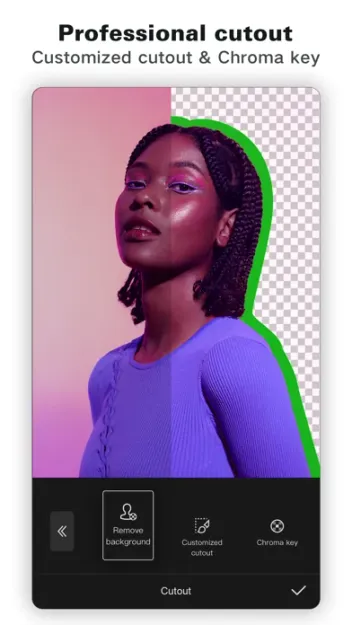
CapCut’s multi-track editor handles cuts, speed ramps, keyframes, overlays, chroma key and basic color. On a phone, the layout stays clear; on desktop and web, the same tools get more space without a new learning curve.
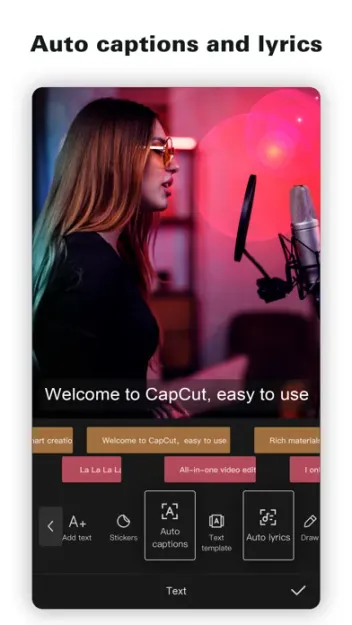
AutoCut builds a first draft from a style and your clips. Captions land with one tap and are easy to restyle. Neither replaces a careful cut, but both save time on daily Shorts and Reels.
CapCut also edits photos in the same app. Adjust, retouch and light effects cover social stills, though a dedicated camera app still wins at shooting.
04Templates & effects
Templates & effects · 8.5
The library is the product, and a lot of it is Pro
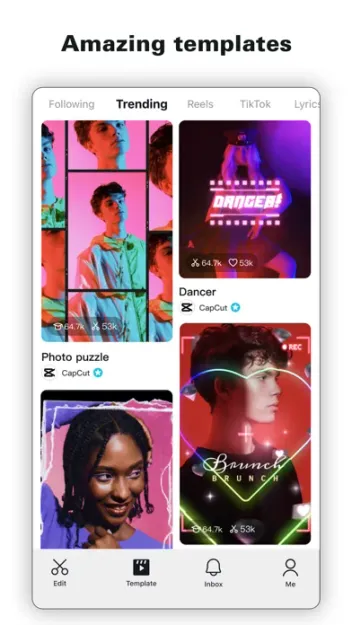
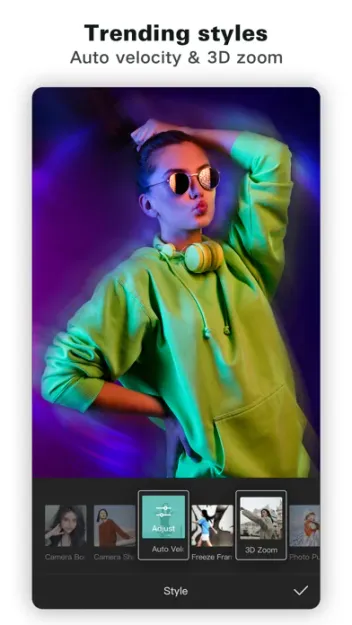
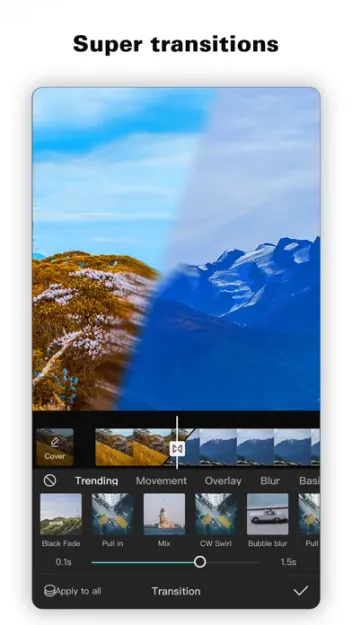
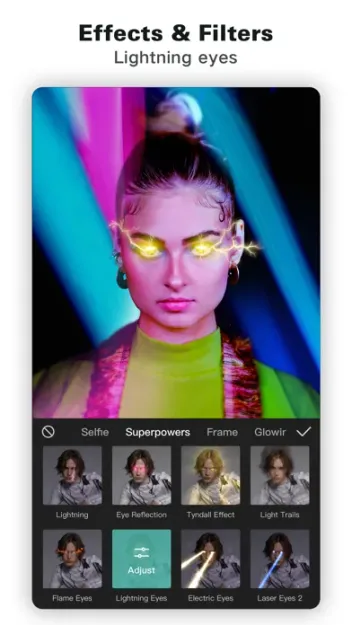
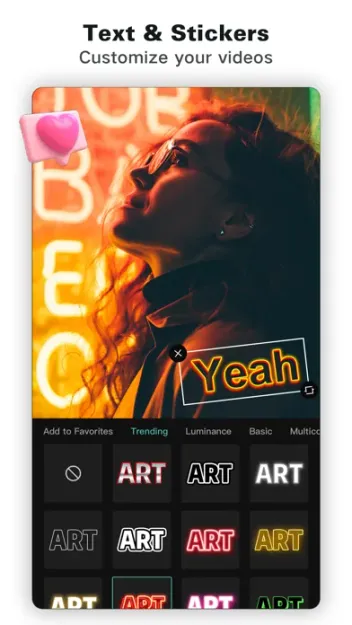
Templates, transitions, stickers, fonts and music are why CapCut feels ready on day one. Trending packs follow TikTok and Reels looks closely, and new drops keep the feed fresh.
Many of the best items carry a Pro tag. You can build with them for free, then hit a watermark or an upgrade wall at export. CapCut’s help center explains how to strip Pro features from a project so free export works again. That workflow is honest; it is also easy to miss until you are late on a job.
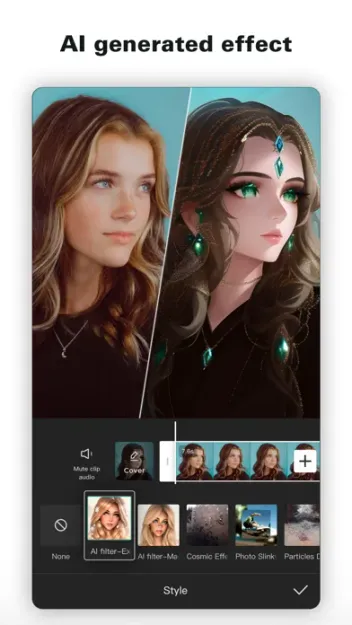
AI Lab adds text-to-video, avatars, enhancers and talking photos. Results vary, and heavier AI use burns Pro credits. Treat them as draft helpers, not a final look.
05Export & platforms
Export quality · 7.0 · Cross-platform · 8.5
Phone, desktop and web share projects; 4K sits behind Pro
CapCut runs on iPhone, iPad, Android, Windows, Mac and the web. Projects sync when you are signed in, which is the real cross-platform win: shoot on a phone, finish on a laptop, upload from either.
Free export is fine for 1080p social when you avoid Pro assets. 4K, HDR and a clean no-watermark pass are Pro-only on current pricing pages. Exact limits shift by platform, so check the export sheet before you promise a client a format.
Performance held up on recent phones for typical one-to-three-minute edits. Long multi-track timelines and heavy AI effects run better on desktop.
06Plans & pricing
Value · 7.0
Free is enough until Pro assets or 4K force the upgrade
US prices as of October 2026. CapCut says displayed prices are guides only; confirm at checkout:
- FreeFull editor; Pro-tagged assets watermark the export$0
- StandardMore templates and materials; check store for exact limits$9.99/mo
- Pro4K/HDR, premium assets, ~1,200 AI credits, ~1 TB cloud$19.99/mo
- Pro yearlySame Pro features, billed once a year$179.99/yr
Pro jumped sharply in early 2026 to $19.99 a month, or $179.99 a year. Pro adds 4K/HDR export, premium templates without a watermark, about 1,200 AI credits a month and about 1 TB of cloud. Standard at $9.99 sits between free and Pro in the App Store; CapCut’s web pricing page is thinner on what Standard includes, so check in the store before you subscribe.
For most creators, free covers the weekly post. Pay Pro for a month when a job needs clean premium assets or 4K, then cancel if you do not need the credits or cloud.
07Privacy
Privacy · 5.5
ByteDance ownership is the decision, not a detail
CapCut is published by BYTEDANCE PTE. LTD. The app asks for a CapCut or TikTok-linked account for cloud projects and many AI features. Media you upload can leave the device; read the current privacy labels in the App Store and Google Play before you drop client footage in.
If you need an editor that keeps rough cuts on-device and collects as little as possible, CapCut is the wrong fit. For public social drafts, plenty of people accept the trade. We would not hand it private client work without a separate policy sign-off.
08Alternatives
Worth a look
When another app makes more sense

YouTube
Wins when the job is Shorts upload, analytics and staying inside Google's publish flow rather than building the cut itself.

(Not Boring) Camera
Wins when the work starts at capture: a fun iPhone camera with natural stills, before you ever open a timeline.

Project Indigo
Wins for creator stills: Adobe's free test camera that saves natural multi-frame photos and DNG without a CapCut-style paywall.
09Bottom line
Good, with a watermark-shaped catch
Install free, upgrade only when export forces it
Download CapCut and edit a week of posts on the free plan. Stay on free assets if you want a clean export. Take Pro for a single month when a job needs premium templates or 4K without a watermark, confirm the price at checkout, and decide whether ByteDance’s data practices are fine for the footage you are cutting.